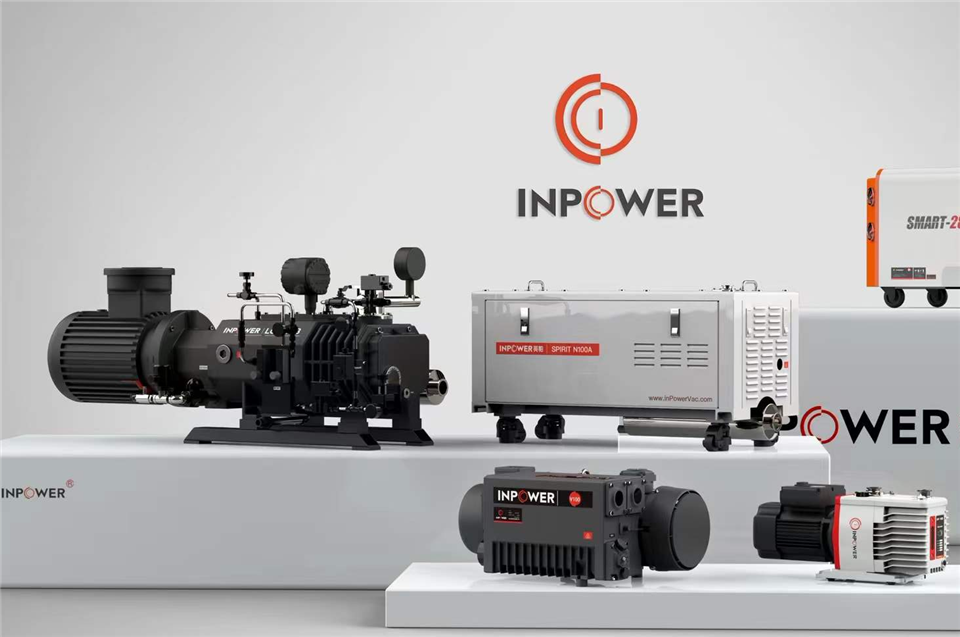

Automating the operation of an auxiliary vacuum pump can significantly enhance efficiency, reduce human error, and improve overall system performance. As a supplier of auxiliary vacuum pumps, I've seen firsthand the benefits that automation brings to various industries. In this blog post, I'll share some practical tips on how to automate the operation of an auxiliary vacuum pump.
Understanding the Basics of Auxiliary Vacuum Pump Automation
Before diving into the automation process, it's important to understand what an auxiliary vacuum pump does. An auxiliary vacuum pump is used to create and maintain a vacuum in a system, which is crucial for many industrial processes such as semiconductor manufacturing, food packaging, and chemical processing.
Automating the operation of an auxiliary vacuum pump involves using sensors, controllers, and software to monitor and control the pump's performance. This allows for precise regulation of the vacuum level, reduces the need for manual intervention, and can even provide real - time data on the pump's status.
Step 1: Choose the Right Sensors
The first step in automating an auxiliary vacuum pump is to select the appropriate sensors. These sensors will be responsible for collecting data about the pump's operation, such as vacuum level, temperature, and pressure.
- Vacuum Sensors: These are the most critical sensors for an auxiliary vacuum pump. They measure the vacuum level inside the system and send the data to the controller. Based on this data, the controller can adjust the pump's speed or operation mode to maintain the desired vacuum level.
- Temperature Sensors: Temperature sensors are used to monitor the temperature of the pump and its components. Overheating can cause damage to the pump, so it's important to have sensors that can detect high temperatures and trigger an alarm or shut down the pump if necessary.
- Pressure Sensors: Pressure sensors measure the pressure inside the pump and the connected system. They can help detect leaks or blockages in the system, which can affect the pump's performance.
Step 2: Install a Controller
Once you've chosen the right sensors, the next step is to install a controller. The controller is the brain of the automation system. It receives data from the sensors, processes it, and sends commands to the pump and other components in the system.
There are different types of controllers available, such as Programmable Logic Controllers (PLCs) and Distributed Control Systems (DCSs). PLCs are commonly used for smaller systems, while DCSs are more suitable for larger, more complex systems.
When choosing a controller, make sure it is compatible with the sensors and the pump. It should also have the necessary programming capabilities to implement the automation logic.
Step 3: Develop Automation Logic
The automation logic is the set of rules and algorithms that determine how the pump will operate. This logic is programmed into the controller and takes into account the data received from the sensors.
For example, the automation logic can be set to start the pump when the vacuum level drops below a certain threshold and stop it when the desired vacuum level is reached. It can also adjust the pump's speed based on the load or the rate of change of the vacuum level.
To develop the automation logic, you need to have a good understanding of the pump's operation and the requirements of the system. You may need to work with an engineer or a technician who has experience in automation to ensure that the logic is correct and efficient.
Step 4: Integrate with Other Systems
In many cases, an auxiliary vacuum pump is part of a larger industrial system. To fully realize the benefits of automation, it's important to integrate the pump's automation system with other systems in the plant.
For example, the pump's automation system can be integrated with the plant's Supervisory Control and Data Acquisition (SCADA) system. This allows operators to monitor and control the pump from a central location, along with other equipment in the plant.


Integration can also involve sharing data between different systems. For instance, the pump's performance data can be used by the plant's maintenance management system to schedule preventive maintenance.
Step 5: Test and Optimize
After the automation system is installed and integrated, it's crucial to test it thoroughly. This involves running the pump under different conditions and verifying that the automation logic is working correctly.
During the testing phase, you may encounter some issues or inefficiencies. For example, the sensors may provide inaccurate data, or the automation logic may not respond correctly to certain situations. In such cases, you need to make adjustments to the system.
Optimization is an ongoing process. Even after the initial testing, you should continue to monitor the pump's performance and make improvements to the automation system over time. This can involve fine - tuning the automation logic, upgrading the sensors or the controller, or making changes to the integration with other systems.
Benefits of Automating an Auxiliary Vacuum Pump
Automating an auxiliary vacuum pump offers several benefits:
- Increased Efficiency: Automation allows the pump to operate at optimal levels, reducing energy consumption and wear and tear on the pump.
- Improved Reliability: By continuously monitoring the pump's performance, automation can detect and prevent potential problems before they cause a breakdown.
- Enhanced Safety: Automation reduces the need for manual intervention, which can be dangerous in some industrial environments.
- Better Data Management: Automation systems can collect and store data on the pump's operation, which can be used for analysis and decision - making.
Related Products
If you're in the market for an auxiliary vacuum pump or related products, we offer a range of high - quality options. Check out our Mechanical Vacuum Booster System Pump, Big Pumping Roots Vacuum Pump, and Vacuum Assist Pump. These products are designed to meet the diverse needs of different industries and can be easily integrated into an automated system.
Conclusion
Automating the operation of an auxiliary vacuum pump is a complex but rewarding process. By following the steps outlined in this blog post, you can create an efficient and reliable automation system that will improve the performance of your pump and your overall industrial process.
If you're interested in learning more about automating your auxiliary vacuum pump or if you're looking to purchase a high - quality pump, feel free to get in touch with us. We're here to help you with all your vacuum pump needs.
References
- "Industrial Vacuum Technology Handbook"
- "Automation for Industrial Processes: A Practical Guide"
- Technical manuals of various vacuum pump manufacturers